















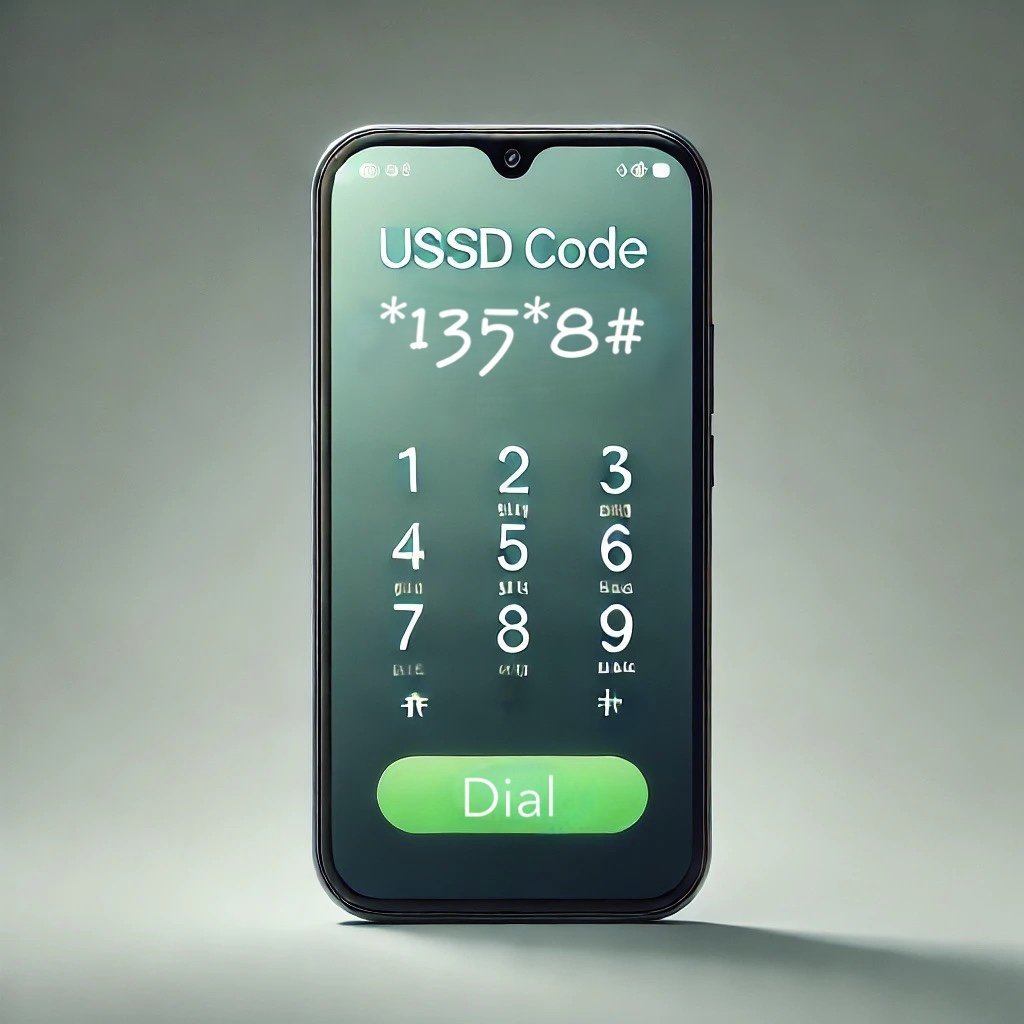
To check your Glo number, simply dial *135*8# and your number will be displayed on your phone screen. No need to worry about memorizing or searching through paperwork. With this quick USSD code, finding out your Glo number is as easy as a few taps on your phone. Stay tuned as we delve deeper into the different methods available for checking your Glo number, ensuring you always have access to your contact details whenever you need them. Let’s get started!

How to Check My Glo Number: A Step-by-Step Guide
It happens to the best of us – you get a new phone or SIM card, and you can’t remember your own phone number. Don’t worry, though, because checking your Glo number is easier than you think! In this detailed guide, we’ll walk you through the various methods you can use to quickly find out your Glo number, no matter where you are. Let’s get started!
Method 1: Dial a USSD Code
One of the quickest ways to check your Glo number is by dialing a USSD code. USSD codes are like shortcuts that allow you to access specific services on your mobile network. To check your Glo number using a USSD code, follow these simple steps:
Step 1: Open Your Phone Dialer
Unlock your phone and open the dialer app. This is where you usually type phone numbers before making a call.
Step 2: Dial *135*8#
Now, enter the USSD code *135*8# into the dialer and press the call button. This code is specifically designed to help you retrieve your Glo number.
Step 3: Wait for a Response
After entering the code, wait a few seconds for Glo to process your request. You should receive a message on your screen displaying your Glo phone number.
Method 2: Send a Text Message
If you prefer a more hands-off approach, you can also check your Glo number by sending a text message. Here’s how you can do it:
Step 1: Open Your Messaging App
Go to your phone’s messaging app, where you usually send text messages to your friends and family.
Step 2: Compose a New Message
Create a new message and type “Number” in the message body. This keyword will prompt Glo to send you a reply with your phone number.
Step 3: Send the Message to 7735
Once you’ve typed “Number” in the message, send it to the Glo shortcode 7735. This will trigger the system to respond with your Glo number.
Method 3: Check Your Phone Settings
If you’re tech-savvy and prefer to navigate through your phone settings, you can find your Glo number there as well. Here’s what you need to do:
Step 1: Open Your Phone Settings
Unlock your phone and go to the settings app. This is usually represented by a gear icon on your home screen.
Step 2: Navigate to the About Phone Section
Scroll down until you find the “About Phone” or “About Device” option. Tap on it to access detailed information about your device.
Step 3: Locate Your Phone Number
In the “About Phone” section, look for the “Status” or “Phone Status” option. Your Glo number should be displayed there along with other relevant information about your device.
Method 4: Call a Friend or Family Member
If all else fails, you can always resort to the good old-fashioned way of checking your number – by calling a friend or family member. Here’s how you can do it:
Step 1: Dial a Known Number
Use your phone to dial the number of a close friend or family member whose contact you have saved. Make sure to let them know you’re checking your own number.
Step 2: Ask Them to Confirm
Once the call connects, ask your friend or family member to confirm the number displayed on their phone’s screen. This way, you can be sure you have the correct information.
With these simple methods, you can easily find your Glo number whenever you need it. Whether you prefer using USSD codes, text messages, phone settings, or good old-fashioned calls, there’s a solution for everyone. So next time you’re wondering, “How do I check my Glo number?” just refer back to this guide and get your number in no time!
Remember, it’s always important to know your own phone number, so make sure to keep it handy for those moments when you need to share it with others or top up your airtime. Stay connected and stay informed with your Glo number at your fingertips!
How To Check My Glo Phone Number On My Android Phone
Frequently Asked Questions
How can I check my Glo number?
To check your Glo number, you can dial *135*8# on your Glo line and your phone number will be displayed on the screen. Alternatively, you can also call Glo customer service by dialing 121 and request assistance in retrieving your number.
Is there a way to find out my Glo number without making a call?
Yes, there is a way to find out your Glo number without making a call. Simply navigate to the phone’s dialer and enter *135*8# then press the call button. Your Glo number will be displayed on the screen instantly.
What should I do if I forget my Glo number and cannot access my phone’s dialer?
If you forget your Glo number and cannot access your phone’s dialer, you can reach out to Glo customer service by dialing 121 from your Glo line. A customer service representative will assist you in retrieving your Glo number with some verification steps.
Final Thoughts
To check your Glo number, simply dial *135*8# and your number will be displayed on the screen. It’s a quick and easy way to always have your number on hand, especially if you have multiple SIM cards. Remember, knowing how to check your Glo number is important for staying connected and managing your contacts efficiently. Be sure to save your number in your contacts for easy access in the future.